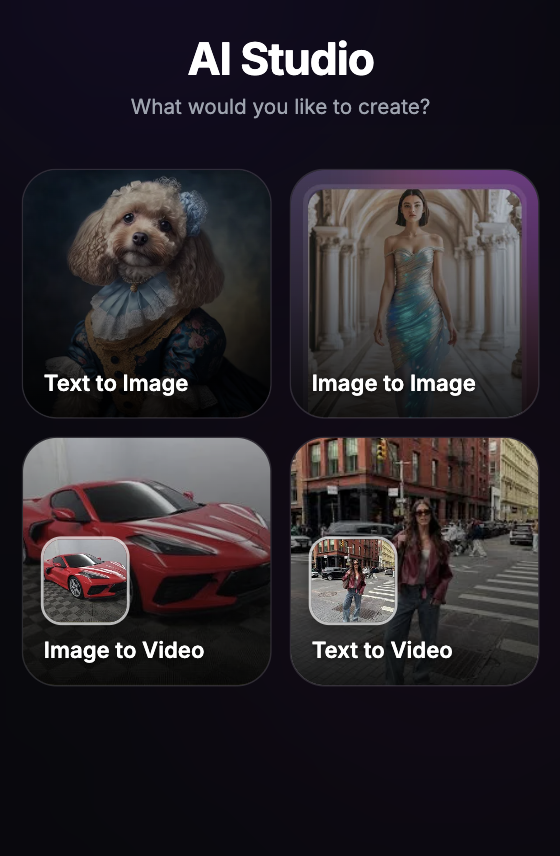
AI animation generators have shifted modern digital design from tedious keyframe plotting into fluid, prompt-driven motion graphics. Whether you are building high-energy social media clips, professional corporate explainer videos, or stylized cinematic frames, leveraging an automated asset generation engine lets you construct moving stories without requiring traditional studio budgets.
10 Best AI Animation Generators at a Glance
To give you an honest perspective, we spent the last few months testing the most talked-about platforms on the market. We evaluated their motion stability, style accuracy, and interface accessibility to help you pick the right fit for your workflow.
Here is the quick-reference master matrix from our rigorous real-world testing:
| Tool | Best For | Suitable For |
|---|---|---|
| Dress AI | Best overall AI animation workflow | Creators, marketers, and sellers who need multiple animation routes in one place |
| Animaker | Beginner explainers and training videos | Teachers, trainers, and teams that prefer templates over open-ended generation |
| Runway | Cinematic control and advanced motion | Filmmakers, concept artists, and creators who can spend credits on iteration |
| Pika | Playful social effects | Social creators testing fast visual hooks and short transformations |
| Steve AI | Script-led explainers | Teams turning written lessons, prompts, or training scripts into animated scenes |
| GoEnhance AI | Stylized and anime motion | Creators who want transformation effects, anime looks, or bold visual restyling |
| Dreamina | Cinematic image animation | Creators starting from strong still images and mood-driven prompts |
| Fliki AI | Voiceover-led videos | Educators, faceless-video creators, and teams repurposing scripts or blog content |
| VEED | Post-generation editing | Social teams that need captions, resizing, cleanup, and browser editing |
Balancing Raw Motion with Comprehensive Asset Design
Selecting the ideal rendering pipeline is only half the battle. To scale an engaging digital brand or commercial showcase, the animated motion must perfectly harmonize with premium static assets, character consistency, and sharp layout structures. Mastering how these layers fit together is what separates basic hobbyist outputs from high-converting media assets.
If you want to discover how professional creators utilize cross-platform strategies to maintain absolute visual authority across all niches, we also recommend reading our breakdown of the 10 Best AI Video Editors Tested for Real Workflows to streamline your secondary post-production systems.
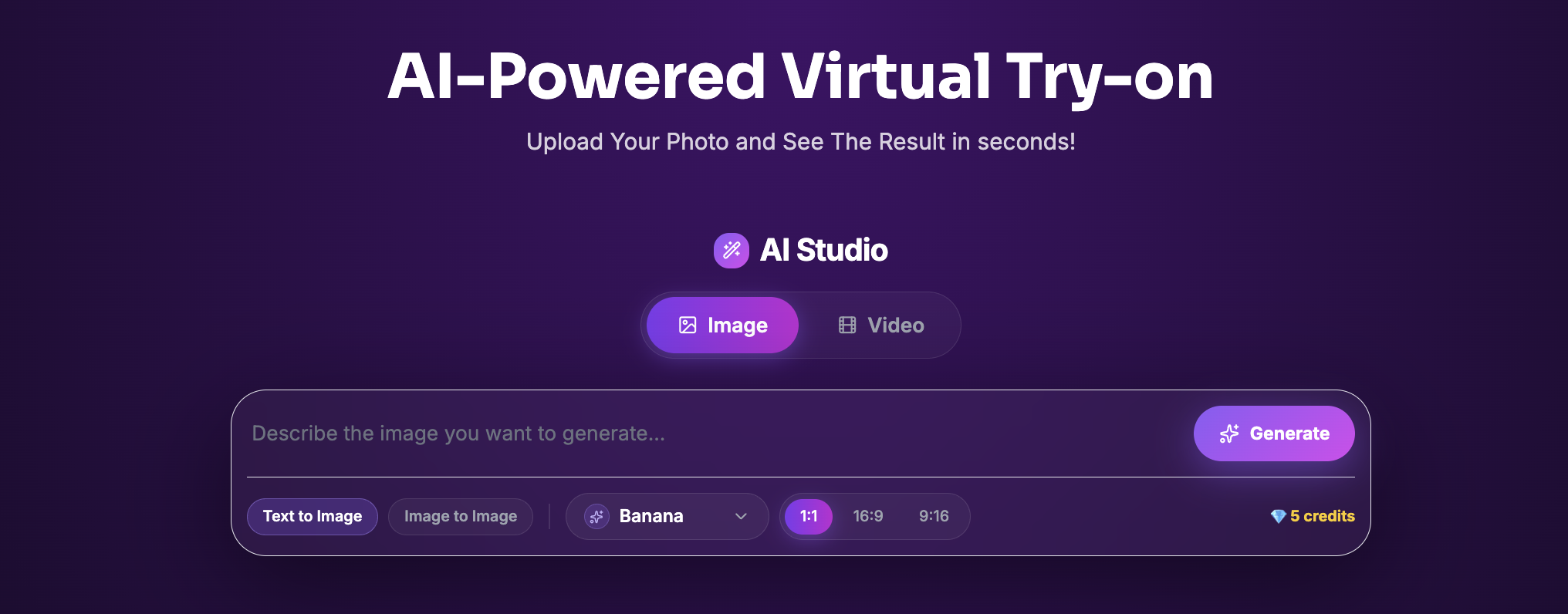
Once you have your core timeline elements planned, it is time to experiment with the raw generative power of custom asset restyling. To build jaw-dropping visual concepts, modify textures, and generate premium face or outfit changes instantly inside an intuitive cloud workspace, we highly recommend heading over to our dedicated AI-Studio Workspace and pressing the Generate Button to start sculpting your next viral design asset today.