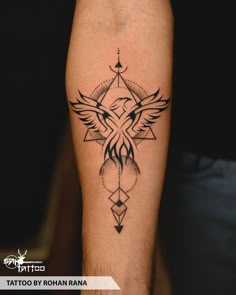
Testing tattoos on your photo before going to a tattoo studio is the smartest way to experiment with placement, sizing, and design aesthetics risk-free. DressAI's virtual tattoo placement engine uses cutting-edge AI to wrap any ink design realistically around your body's natural contours, preventing future tattoo regret.
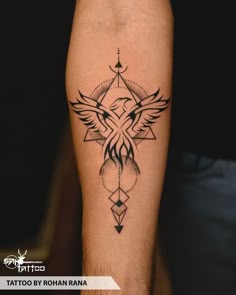
 BeforeAfter
Take the Permanent Anxiety Out of Getting Inked
Getting a tattoo is a lifelong commitment. Laser removal is painful and expensive, making placement decisions incredibly stressful. Whether you are wondering if a fine-line floral piece looks good on your forearm or trying to decide between a minimalist wrist tattoo and a bold sleeve, a digital preview is crucial.
Using our high-definition virtual try-on platform operates just like a digital mirror. It acts as an online free app that respects skin textures, shadows, and body curvature, ensuring the simulated ink looks exactly like a real, healed tattoo on your skin.
How to Preview Custom Tattoo Designs on Your Body
Our streamlined mobile interface lets you find the perfect placement effortlessly:
- Pick a Tattoo Style Card: Select from fine-line, traditional, geometric, or Japanese ink styles.
- Upload a Clear Skin Photo: Take a photo of the exact area you want to ink (arm, leg, neck, etc.).
- Generate the Ink Placement: Watch the generative engine perfectly apply the design with hyper-realistic ink blending.